64418.01USD
44.27USD
1683.07USD
0.03USD
7.2USD
608.76USD
0.03USD
69.03USD
0.03USD
1.15USD
0.09USD
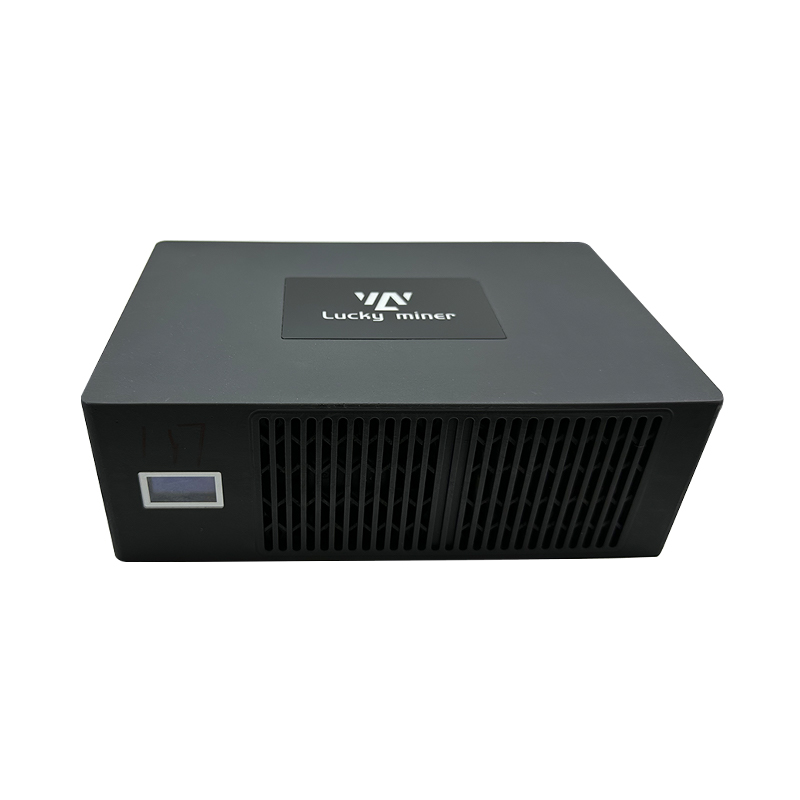
Luckyminer LV07 Instruction and User Guide Mobile phone English
5668 views 丨 2024-07-23 16:51
Minerfixes
62 subscribers
Subscribe
Share
Favorites
Make Global ASIC Maintenance Easier
1
Sign in You can only post comments after logging in.
@Ada

You can check the Luckyminer working status by the below methods,

1\ from the Luckyminer screen

2\ review the dashboard directly after configuring the miner

3\ enter the IP address displayed on the device into the browser, and then you can access the "dashboard" page

4\ open the pool website you set, if solo mining, enter the wallet you configured; if pool mining,log in your account

Popular videos
JASMINER X4 - Power Supply Removing and Installing
Jingle Mining
2527 views 丨 2023-10-23 17:31
lesson 5:Antminer L3+ Hashboard 0 asic Maintenance
Minerfixes
2004 views 丨 2023-07-07 06:43
Antminer S9 Hashboard maintenance DC circuit
Flash
2535 views 丨 2023-08-03 03:49
Miner Background Interface Information
Flash
2520 views 丨 2023-08-03 03:44
S9 hashbord Lesson 3_Maintenance procedure
Minerfixes
2065 views 丨 2023-07-11 07:50
40-feet miner box assembly
APAC Bitcoin Mining
2368 views 丨 2023-09-05 06:06
300Points
Antminer T17 hashboard repair guide_Eng
Minerfixes
3049 views 丨 2023-07-14 08:08
2022 Minerfixes - All Rights Reserved